
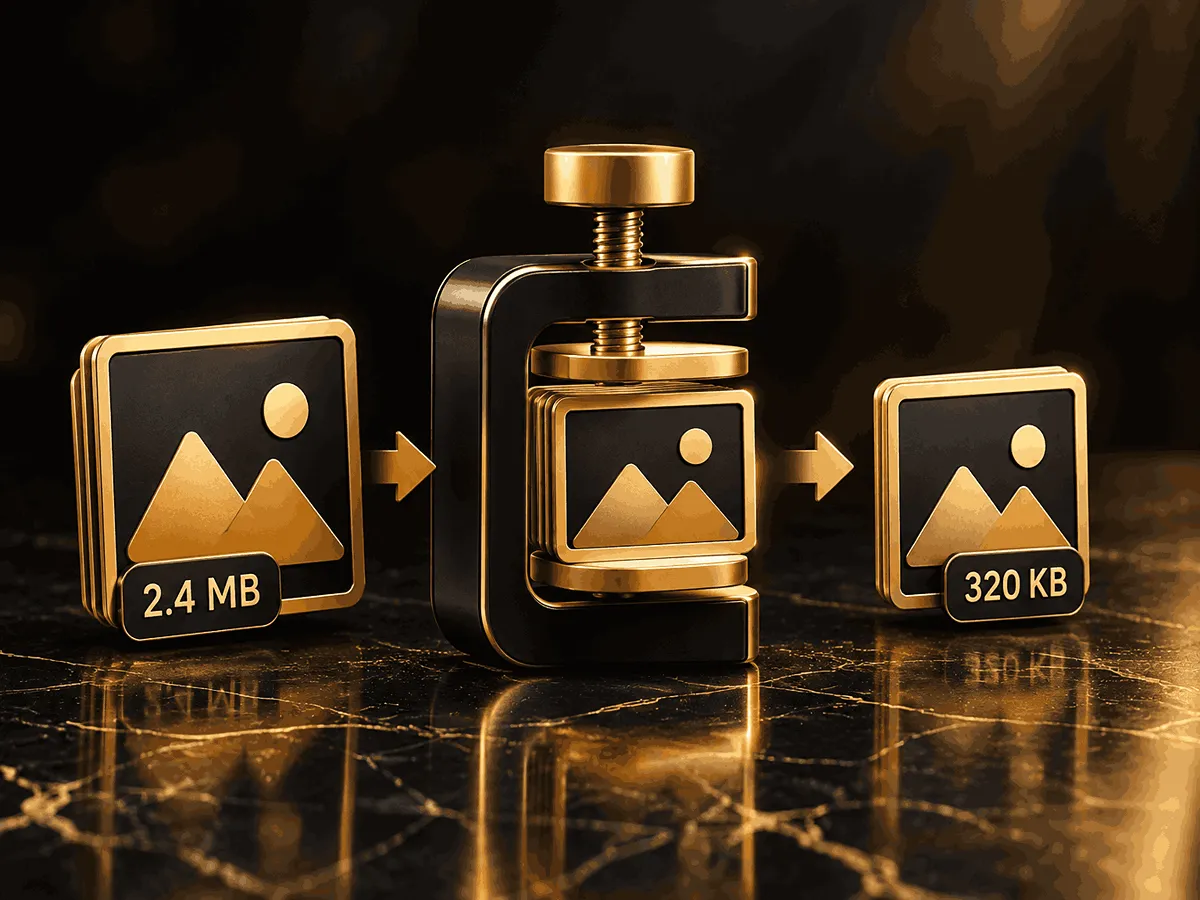
Our image compressor makes it easy to reduce image file size directly in your browser. Large images can take longer to upload, download, store, and display on websites. Compressing images before using them can help reduce unnecessary file size while keeping a good balance between image quality and performance.
AhuraMedia Image Compressor is designed for everyday image optimization. You can use it before uploading images to a website, adding images to blog posts, sending files by email, sharing them online, or storing large collections of photos and graphics.
The tool supports common image formats such as JPG, PNG, and WebP, making it suitable for many common web and personal image-optimization tasks.
One of the main advantages of browser-based image compression is convenience. You do not need to install a separate desktop application just to reduce the size of an image. The compression process can be performed directly through the tool interface, allowing you to quickly optimize your files whenever you need them.
How to Compress an Image
Using the AhuraMedia image compressor is simple:
- Select an image from your device.
- Upload the image to the compressor.
- Choose the available compression settings according to your needs.
- Start the compression process.
- Review the resulting file size and image quality.
- Download the optimized image.
For most images, moderate compression is a good starting point. Extremely aggressive compression can produce a smaller file but may also create visible artifacts or reduce image quality.
Why Compress Images?
Image files can represent a significant portion of a webpage’s total size. Optimizing them before publishing can help reduce unnecessary page weight and improve the overall user experience.
Using an image compressor can help you:
- Reduce image file size
- Make images easier to upload and share
- Reduce storage requirements
- Optimize images before publishing them online
- Reduce unnecessary page weight
- Prepare images for websites and blogs
- Optimize images for email and online sharing
For website owners, image optimization is particularly important. Correctly sizing images and using modern formats such as WebP or AVIF can contribute to better page performance.
JPG, PNG, or WebP?
Different image formats are designed for different purposes.
JPG is commonly used for photographs and images containing many colors. It can provide significant file-size reductions, particularly when moderate lossy compression is acceptable.
PNG is useful when transparency or lossless image quality is important. Graphics, screenshots, logos, and images with transparent backgrounds may benefit from PNG.
WebP is a modern web-friendly image format that can provide efficient compression while supporting both lossy and lossless images.
Choosing the appropriate format before compression can help you achieve a better balance between file size and visual quality.
When Should You Compress an Image?
You may want to compress an image before uploading it to a website, publishing a blog article, creating an online store listing, sending it through email, or sharing it through an online platform.
If an image is significantly larger than necessary for its intended display size, resizing it before compression can also reduce the final file size.
The best workflow is usually:
Resize → Compress → Check Quality → Publish
This avoids sending unnecessarily large images to users.
Frequently Asked Questions
What is an image compressor?
An image compressor is a tool that reduces the file size of an image by optimizing its data. The goal is to create a smaller file while maintaining an acceptable level of visual quality.
Can I compress images online for free?
Yes. AhuraMedia provides a browser-based image compressor that lets you reduce image file size without installing dedicated image-compression software.
Does image compression reduce quality?
It can, depending on the compression method and settings. Higher compression can produce a smaller file but may also reduce visual quality. Moderate compression usually provides a better balance.
Which image formats are supported?
The tool is designed for common formats including JPG, PNG, and WebP.
Why should I compress images before uploading them to a website?
Smaller images can reduce page weight and help improve loading performance. Image optimization is an important part of building fast, efficient webpages. The SEO checklist recommends serving images in appropriate formats and sizing them correctly.
Is image compression performed in my browser?
AhuraMedia’s tool is designed to perform image processing directly in the browser, allowing images to be processed without relying on an external image-processing service.
What is the best compression level?
There is no single compression level that works perfectly for every image. Start with moderate compression, then check the resulting image quality and file size before downloading the final version.