
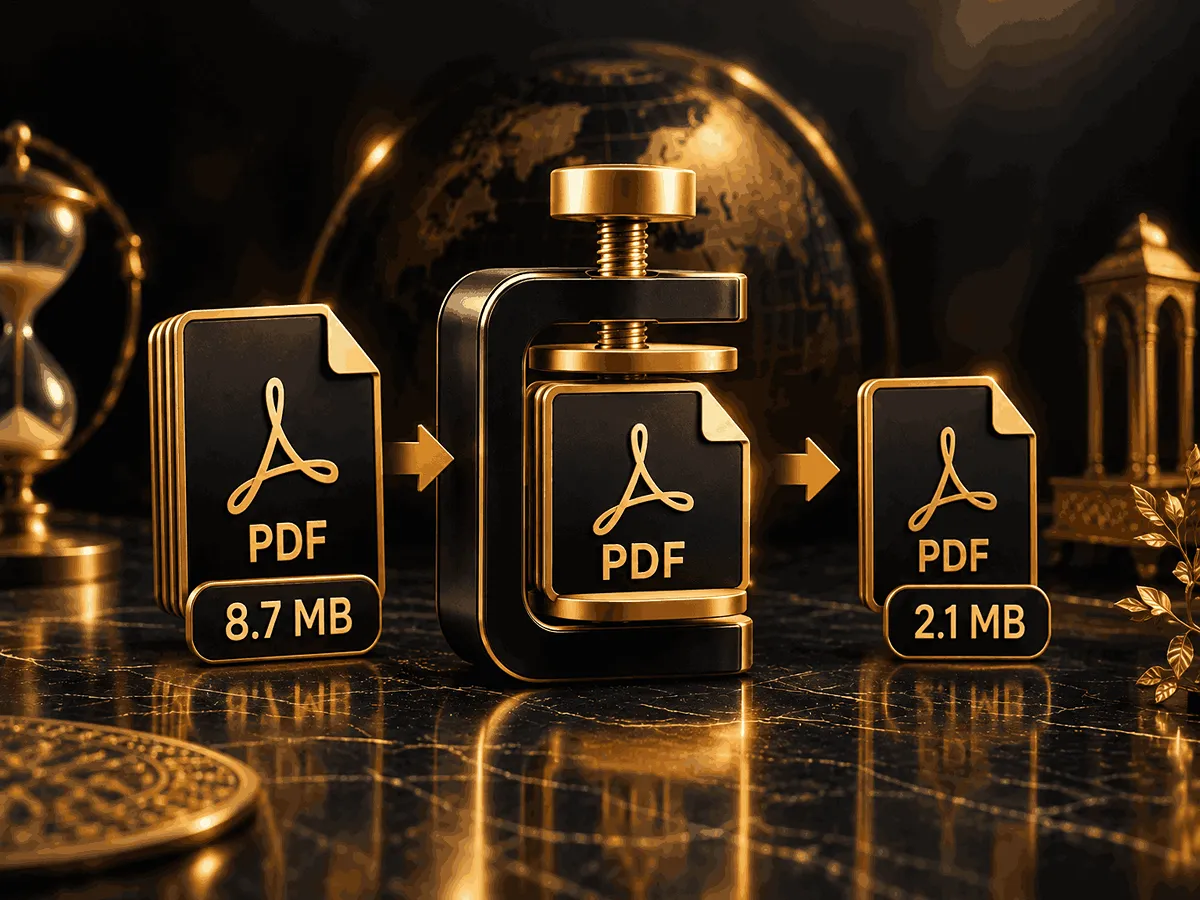
Large PDF files can be difficult to upload, send by email, store, or share online. A PDF compressor helps reduce the file size of a document while keeping the content as usable as possible.
AhuraMedia’s PDF Compressor is a browser-based tool designed to reduce PDF file size without requiring a complicated desktop application. You can process your document directly in your browser and download the resulting PDF to your device.
The tool provides Low, Medium, and High compression levels, giving you more control over the balance between file size and document quality.
Because the compression process is designed to run directly in your browser, your PDF does not need to be uploaded to a remote server for processing. This can be useful when working with documents that you prefer to keep on your own device.
Whether you need to reduce a PDF before sending it by email, upload it to a website, or save storage space, a PDF compressor can make the file easier to handle.
Why Compress PDF Files?
PDF files can become surprisingly large, especially when they contain scanned pages, photographs, screenshots, high-resolution graphics, or embedded resources.
Reducing the size of a PDF can make everyday file management easier.
Some common reasons to compress a PDF include:
- Sending a document through email
- Uploading a PDF to a website
- Sharing documents through messaging services
- Reducing storage requirements
- Making downloads faster
- Preparing documents for online forms
- Sharing scanned documents more efficiently
- Creating smaller copies for easier distribution
A smaller PDF is generally easier to transfer and store, particularly when the original document contains many images or scanned pages.
What Makes a PDF File Large?
The amount of text in a PDF is not necessarily the main factor determining its file size.
Images and scanned pages can have a much larger impact. A document containing dozens of high-resolution photographs may be considerably larger than a text-heavy PDF containing hundreds of pages.
Other elements that can contribute to PDF size include:
- High-resolution images
- Scanned pages
- Large embedded graphics
- Multiple photographs
- Embedded fonts
- Metadata and document resources
- Complex page content
For this reason, two PDFs with the same number of pages can have completely different file sizes.
A PDF compressor is particularly useful when a document contains image-heavy or scanned content.
PDF Compression and File Quality
PDF compression usually involves a trade-off between file size and the amount of information retained in the optimized document.
A lighter compression level generally aims to preserve more visual information while providing a smaller reduction in file size. Stronger compression can produce a substantially smaller document, but the visual result may vary depending on the original PDF.
Text-based PDFs may show very little noticeable difference after optimization, while documents containing photographs or scanned pages can show more visible changes when stronger compression is applied.
For important documents, it is a good idea to compare the compressed PDF with the original before sharing or replacing the original file.
Low, Medium, or High Compression?
The best compression level depends on what you need from the resulting PDF.
Low Compression
Low compression is useful when preserving document quality is the priority and you only want to reduce the file size moderately.
It can be a good choice for documents containing detailed images, graphics, or visual elements where quality matters.
Medium Compression
Medium compression provides a balance between reducing file size and maintaining reasonable document quality.
For many everyday PDF files, this can be a practical starting point when you want a smaller document without applying the strongest possible compression.
High Compression
High compression is intended for situations where minimizing file size is more important.
It can be useful when a PDF needs to meet a strict upload limit or when you need a significantly smaller file for sharing or storage.
The final result depends on the structure and contents of the original PDF.
When Should You Compress a PDF?
You may want to compress a PDF when the file is larger than necessary for its intended use.
For example, a high-resolution PDF created for printing may not need the same level of detail when it is being shared digitally.
Compression can also be useful when an online service has a maximum file-size requirement. Reducing the document before uploading can help avoid file-size errors.
For email attachments and online sharing, a smaller PDF can also make transferring and downloading the document more convenient.
However, if the original PDF is already small, additional compression may provide only a limited reduction.
Can PDF Compression Reduce Quality?
It can, depending on the compression method and the contents of the PDF.
Text and vector elements can often remain visually sharp, while images and scanned pages are more likely to be affected by stronger compression.
The amount of visible change depends on factors such as the original resolution, image content, and compression level.
For documents where visual quality is important, a lower or medium compression level may be preferable. For documents where the smallest possible file size is the priority, stronger compression may be more appropriate.
Can You Compress a Scanned PDF?
Yes. Scanned PDFs are often good candidates for file-size reduction because scanned pages are commonly stored as images.
A scanned document can become very large when every page is stored as a high-resolution image.
Compression can reduce the amount of data associated with those pages and create a smaller PDF.
The amount of reduction varies considerably depending on the original scan quality, number of pages, image resolution, and compression settings.
Is PDF Compression Private?
Privacy can be an important consideration when working with PDFs containing personal, financial, business, or confidential information.
AhuraMedia’s PDF Compressor is designed to process the document directly in the browser rather than requiring the PDF to be uploaded to a remote processing server.
This browser-based approach can be useful when you want to keep the original document on your own device during the compression process.
For sensitive documents, you should still review the behavior of any online tool before using it and avoid sharing confidential files with services that require unnecessary uploads.
Why Use an Online PDF Compressor?
An online PDF compressor can be convenient when you need a quick way to reduce file size without installing dedicated desktop software.
A browser-based tool can be accessed from a compatible device and used when you need to optimize a document for sharing, storage, email, or online uploading.
For occasional PDF compression, using an online tool can be simpler than installing and maintaining a separate application.
AhuraMedia focuses on providing simple browser-based tools for common digital tasks, allowing users to complete many operations directly from their browser.
Frequently Asked Questions
What is a PDF compressor?
A PDF compressor is a tool designed to reduce the file size of PDF documents. Depending on the document and compression method, it can reduce the amount of data stored in images and other elements while keeping the document usable.
Can I compress a PDF online for free?
Yes. AhuraMedia provides a free PDF Compressor that can be used directly in a web browser without requiring a desktop application.
How much can a PDF be compressed?
There is no single compression percentage that applies to every PDF. The result depends on the document’s contents, including images, scans, graphics, resolution, and existing optimization.
Image-heavy and scanned PDFs may have more room for size reduction than PDFs containing mostly text.
Does compressing a PDF reduce quality?
It can, particularly when stronger compression is applied to image-heavy documents. Lower compression generally prioritizes quality, while higher compression prioritizes a smaller file size.
Can I compress a large PDF?
You can try compressing large PDF files, but the final result depends on the document and the resources available in your browser and device.
Very large or complex PDFs may require more processing time and memory.
Can I compress a scanned PDF?
Yes. Scanned PDFs can often benefit from compression because scanned pages are commonly stored as images.
Is my PDF uploaded to a server?
The AhuraMedia PDF Compressor is designed to process your PDF directly in your browser rather than uploading it to a remote server for compression.
Is the PDF compressor private?
Browser-based processing can provide an additional privacy advantage because the document can remain on your device during processing instead of being sent to a remote compression service.
When should I use high compression?
High compression can be useful when reducing the file size as much as possible is more important than preserving maximum image quality.
For documents where visual quality is important, consider using a lower compression level.
Why is my PDF still large after compression?
Some PDFs are already optimized or contain content that does not compress significantly.
For example, a PDF consisting mostly of text or already-compressed images may not become dramatically smaller.
Will PDF compression change my original file?
No. The original file on your device is not replaced simply because you process it with the tool. The compressed document is generated as a separate result that you can download.